
Operations software for UK meat wholesalers
A lot rides on every order.
Larder connects customer orders, stock, packed weights, dispatch and invoices. Office, warehouse and finance teams can work from the same order details.
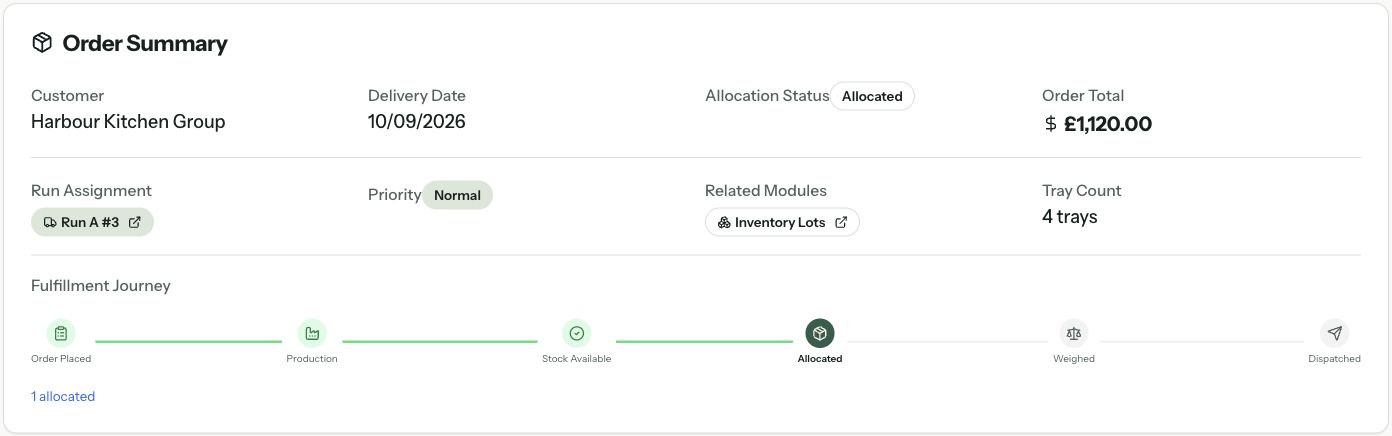
Example order. The important details stay with it.
SO-10428 · Harbour Kitchen Group
Rehearse one workflow alongside your current system.
See the first phaseHow Larder works
How does Larder connect an order to its invoice?
Larder keeps the customer price, stock lot and packed weight with the order. With catch-weight pricing, the team can check the final weight against the agreed rate before invoicing.
Office
Capture the order and agreed price.
The office records 80 kg of beef topside at £14/kg and assigns the delivery run. The price and delivery details stay with this order.
- Ordered weight
- 80 kg
- Order total
- £1,120.00
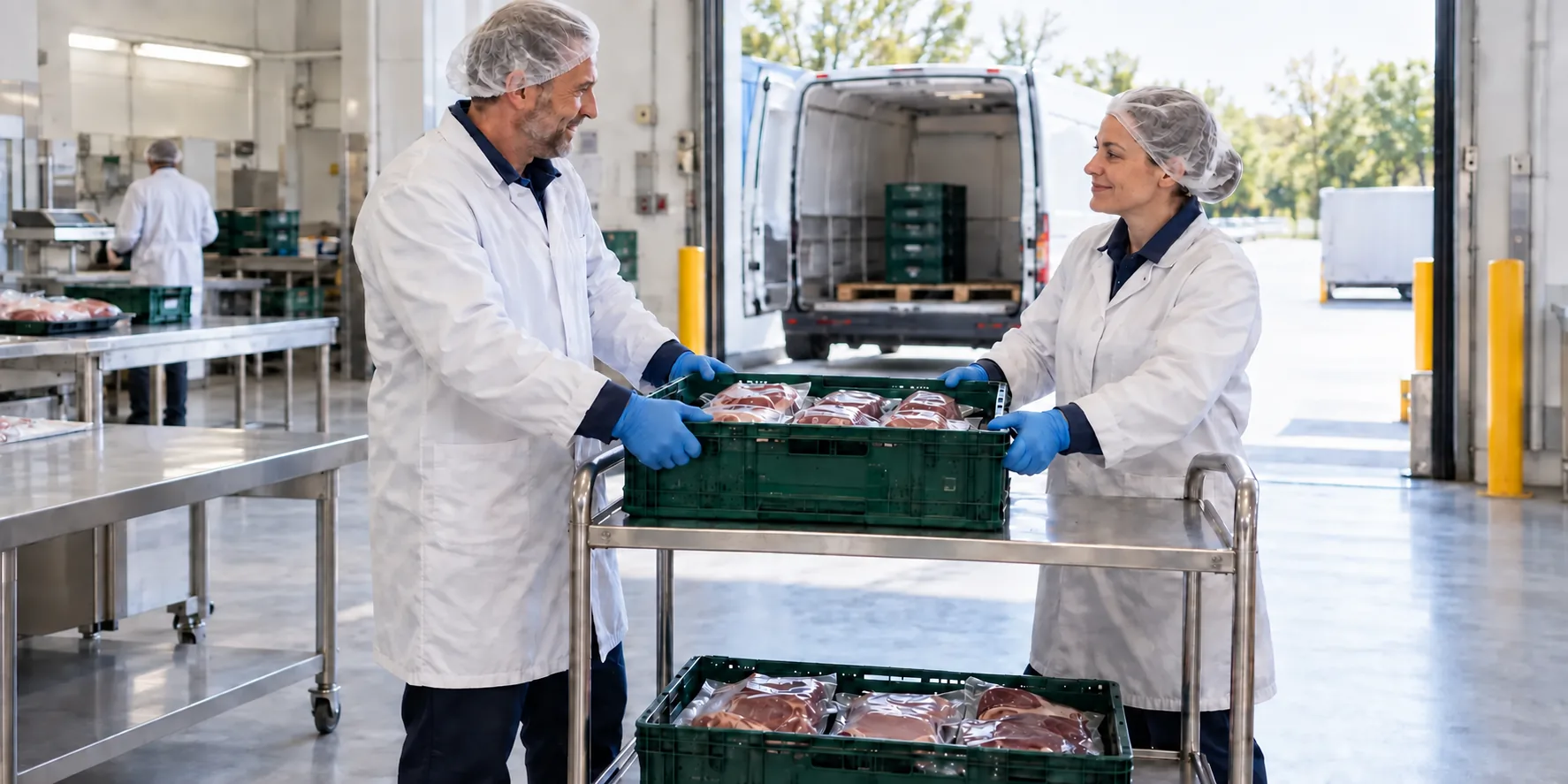
The Midland Foods story

Less admin.
Clearer stock.Better control.
How Midland Foods brings orders, stock, production, dispatch and invoicing together with Larder, giving the team a clearer view of the whole business.
Read the Midland Foods story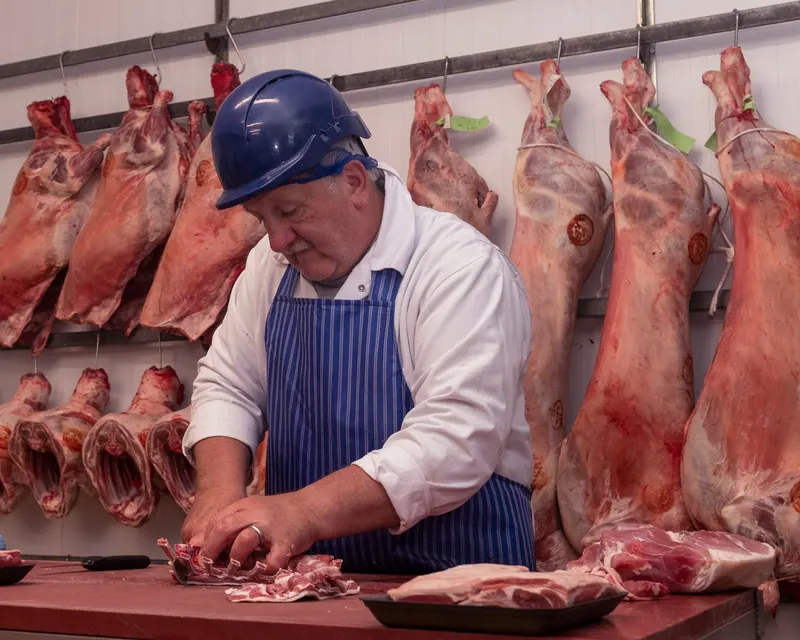
Around the working record
The order is only the start.
Keep the wider operation visible without separating every team into another spreadsheet or disconnected system.
Explore what Larder coversIntroducing Larder
Start with one workflow.Keep the business moving.
Your current system stays the official record while your team prepares, rehearses and decides whether the first Larder workflow is ready.
See how implementation works- 01
Agree the first workflow
Choose a useful starting point, the records it needs and what must pass before live use.
- 02
Rehearse with your team
Check representative orders, stock, weights and invoice values. Test physical scales and labels separately at your site.
- 03
Move when you approve
Review the results, staff readiness and fallback plan. Your named owner approves the changeover.
Before we talk
Practical questions, answered plainly.
What is Larder, and who is it for?
Larder is ERP and operations software for established food wholesalers, starting with UK meat businesses. It connects orders, stock, traceability, production and delivery. We assess your workflows, sites and specialist requirements before agreeing whether it fits.
Can we keep our existing scales and finance system?
We assess exact device models, connection methods and finance hand-offs before agreeing the scope. See the current supported workflows, limitations and site checks.
Check systems and equipment fitWhat happens to our existing data?
We agree which customers, products, prices, stock and history need to move, then map and check them with your team. Data ownership, retrieval and exit responsibilities are agreed before implementation.
How much does Larder cost?
Costs depend on the scope agreed for your operation. We discuss your workflows, sites, data and existing systems before agreeing a commercial proposal. Larder does not publish a fixed price list.
Discuss pricing and scope